Emails are one of the most efficient and easy ways to communicate and connect with others.

We are always on the hunt to find a good and privacy-focused email service that will cater to all of our social needs.
Due to growing concerns about safety and security, most email services require you to provide your phone number for extra protection. But sometimes, people may not feel comfortable about sharing something as personal as their phone number due to privacy concerns.
Also read: Best caller ID Apps for Android & iOS
So, here’s a list of some of the best email services that don’t require your phone number to sign up.
Table of Contents
Best Email Services That Don’t Require Phone Number Verification
1. Tutanota
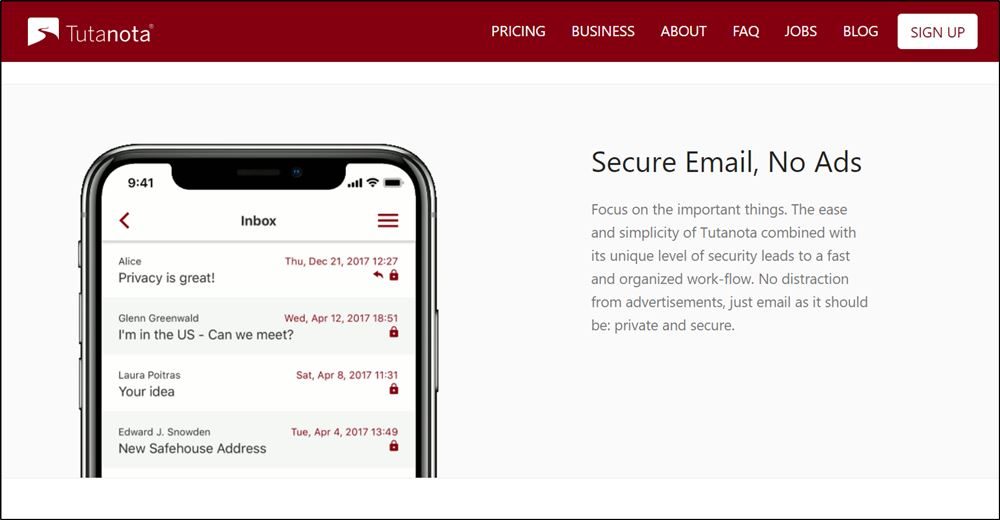
Tutanota is another great free email service provider that doesn’t require a phone number to sign up and offers features such as end-to-end encryption for enhanced security. This ensures that your emails are encrypted and secured with an extra level of protection.
The best part is that there are no annoying advertisements present in the service, and it also provides up to 1 GB of storage space.
Tutanota is a free, open-source project that is funded by donations and premium accounts. The premium accounts cost only €1 per month and are free for non-profit organizations.
What I Like
- No annoying advertisements are present.
- Highly secure with AES end-to-end encryption.
- Free and open-source project with an easy signup process.
- Offers a no-logs policy for enhanced privacy.
- Premium plans are relatively inexpensive, starting at €1 per month.
- Compatible with a wide range of devices, with apps available for iOS, Android, and Desktop platforms.
What I Don’t Like
- Only 1 GB of storage space is provided in the free version.
- Incompatible with PGP and IMAP.
- Storage plans are expensive.
- Does not support an auto-respond feature.
2. ProtonMail
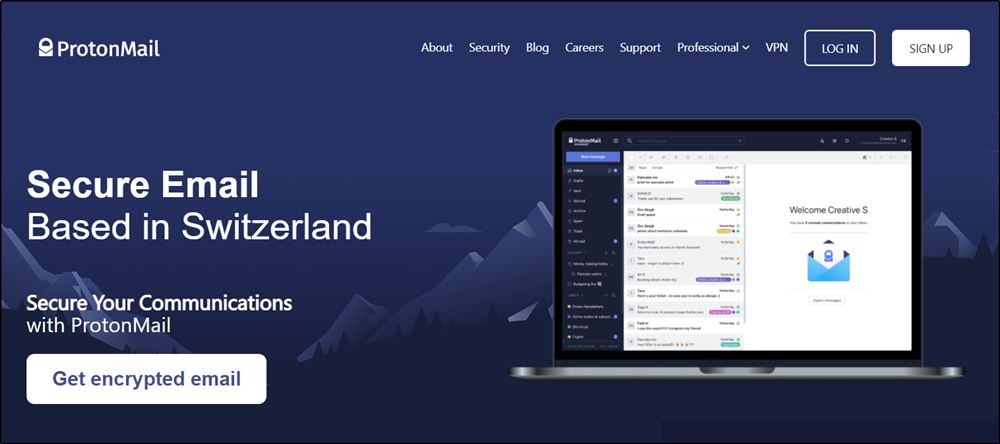
ProtonMail is one of the most popular services on the list that allows you to sign up without providing your phone number.
It is a free email platform based in Switzerland, providing up to 500 MB of storage space and 150 emails per day.
The main highlight of the service is the ability to send highly secure end-to-end encrypted emails.
All encrypted emails are password protected and expire after a period of 28 days, although users can change the expiration time as per their liking.
Premium account users can avail of up to 5 GB of storage and the ability to send 1,000 emails per day.
If privacy and security are your priority, then ProtonMail should be your top choice.
What I Like
- Highly secured with end-to-end encryption.
- Ability to send self-destructing messages that expire after a certain period of time.
- Sending password-protected emails to non-users.
- Free and open-source service.
- No phone number is required to sign up.
What I Don’t Like
- Limited amount of storage space and restrictions for free users.
- Premium plans are relatively expensive compared to other services.
- Features such as custom domain names and unlimited folders are available only for premium users.
3. TempInBox
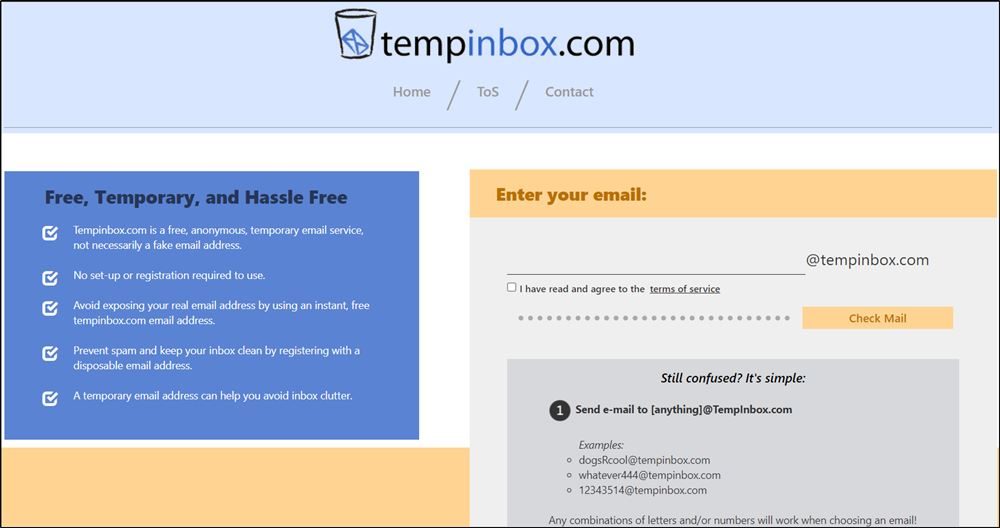
TempInBox is a free email service that allows users to create an anonymous and temporary email address.
Users can sign up for the service without verifying their phone numbers.
The process of creating an account is relatively quick and easy.
However, the catch is that you can only receive emails and not send them. This can be particularly useful if you want to register on a website but don’t want to provide your original email address.
Temp mail is available for free for every user and doesn’t require any kind of verification for signup.
What I Like
- Quick and easy registration process.
- Spam filters are used to avoid unnecessary emails.
- No phone number is required to sign up.
- Provides a temporary, disposable email address.
What I Don’t Like
- Users can only receive emails and not send them.
- Servers are slow compared to other services.
- Inbox can be viewed by anyone since your email address is public.
4. Mailinator
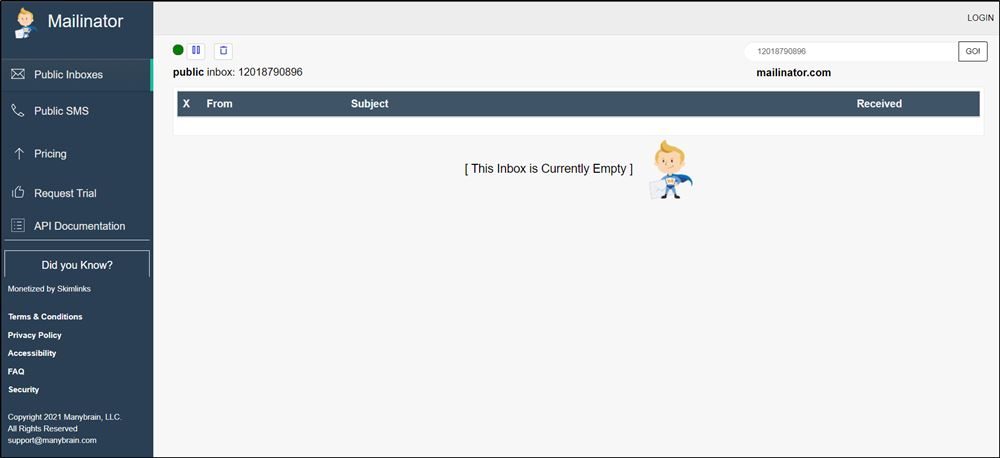
Mailinator is another great service that lets you sign up without a phone number, and it adopts a completely unique approach as compared to other services.
You get the ability to create your own public email address accessible by everyone, or choose an existing email address created by others. This can be especially helpful if you want to keep your real email address secure from spammers.
Also, we strongly suggest you not share or store your personal information on Mailinator since it can be accessed by anyone.
What I Like
- No registration is required to use the service.
- Useful if you wish to keep your real email address secure from spammers.
What I Don’t Like
- Personal data is not secure since it can be viewed by anyone.
- You don’t get an actual email account.
5. MailFence

Registering your email address on Mailfence is quick and straightforward. You just need to provide a username, password, and a secondary email for verification – no phone number is required!
The entire process can be completed in just a couple of minutes, making it ideal for users who value both convenience and privacy.
Free users get access to 500 MB of email storage, along with a calendar, contacts, and limited access to their encrypted document suite. While the free tier may have storage constraints, Mailfence makes up for it with privacy-first features like digital signing, OpenPGP encryption, and two-factor authentication (2FA).
The service is based in Belgium, where strict privacy laws apply, and Mailfence does not track users or serve ads.
What I Like
- Offers OpenPGP-based end-to-end encryption for secure emails.
- No ads, even for free users.
- Based in Belgium, protected by strong EU privacy laws.
- Includes a calendar, contact manager, and document storage.
- Two-factor authentication is available for enhanced security.
- No phone number needed for registration.
What I Don’t Like
- Requires a secondary email address for account verification.
- Free tier has limited storage (500 MB for email, 500 MB for documents).
- No IMAP/SMTP access for free accounts (only via webmail).
6. Guerrilla Mail
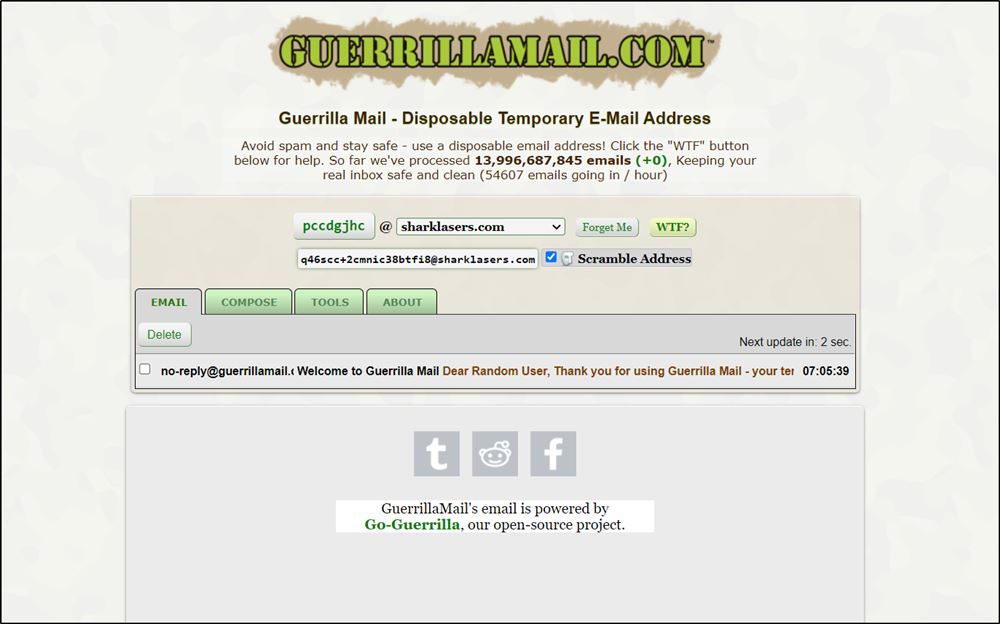
Guerrilla Mail is a long-standing disposable email service that lets you create a temporary, anonymous inbox without registering or providing a phone number. It’s perfect for one-time sign-ups or avoiding spam.
You can instantly receive and even send emails, which is a rare feature among temp mail services. It also supports file attachments up to 150 MB, making it more functional than most alternatives.
You can choose from multiple domains or customize your address, and the inbox updates in real-time for instant access to messages.
What I Like
- Temporary disposable email address.
- Emails get automatically deleted after 1 hour.
- Users can attach up to 150 MB of files.
- No phone number is required to sign up.
What I Don’t Like
- Emails can be accessed by anyone who knows your email ID.
7. Disroot Mail

Disroot Mail is a privacy-focused email service that lets you create a free email account without requiring a phone number.
During the registration process, you only need to provide a username and a reason for signing up. While your request may go through a short manual review, you can avoid submitting any phone number entirely.
The user interface is clean and minimalistic, with a strong emphasis on open-source tools and user privacy. Disroot offers email access via webmail, IMAP, and SMTP, and also supports integration with tools like Nextcloud, Etherpad, and XMPP.
What I Like
- No phone number required for account creation.
- Strong focus on privacy and open-source principles.
- Ad-free experience, even on the free plan.
- Supports PGP encryption and secure email protocols (IMAP/SMTP).
- Includes access to additional tools like cloud storage, notes, calendar, and collaborative documents.
What I Don’t Like
- The manual review process may delay account activation.
- Limited storage (1 GB by default for email).
- Not intended for casual/disposable use – accounts may be rejected for vague or suspicious signup reasons.
- The interface may feel basic compared to mainstream services.
8. EmailOnDeck
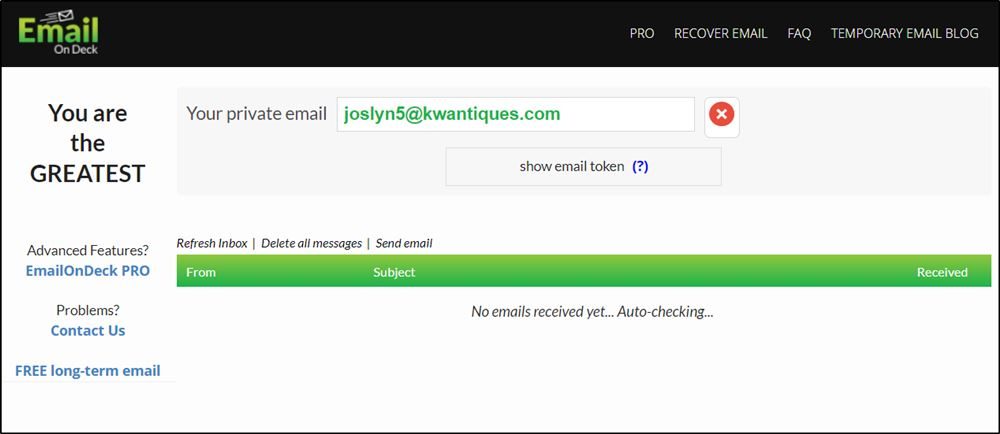
EmailOnDeck is a fast and easy-to-use disposable email service, perfect for one-time use like sign-ups, testing, or avoiding spam. It’s a great alternative to Guerrilla Mail and offers similar privacy-focused features.
You can generate a temporary email address within seconds. Just solve a quick CAPTCHA – no phone number or personal details required. The interface is clean and minimal, making the process smooth and straightforward.
While mainly built for short-term use, it may let you access the same inbox again if you haven’t cleared your browser cache.
What I Like
- The user interface is easy to use.
- No phone number is required for registration.
- Offers protection from spam emails.
- Emails get automatically deleted to protect your privacy.
- No phone number is required for registration.
What I Don’t Like
- Deleted emails cannot be recovered.
- Closing the browser window can result in the deletion of emails.
9. 10 Minute Mail

10 Minute Mail is a disposable email service designed for temporary use – no registration, phone number, or personal information required.
As the name suggests, each email address lasts for 10 minutes (though you can extend the time if needed), making it perfect for quick sign-ups, verification links, or avoiding spam.
The service is free, completely anonymous, and doesn’t store your data long-term. It works instantly through the web, and you can use it without installing anything or providing an alternate email.
What I Like
- No phone number or registration required.
- Great for temporary use, like sign-ups and verification.
- Instant access to a disposable inbox.
- Can extend the 10-minute timer if more time is needed.
- Helps keep your personal inbox clean and secure.
What I Don’t Like
- Not suitable for long-term use – messages are deleted after a short period.
- No custom domain or username options.
- Doesn’t support sending emails, only receiving.
- Emails may be blocked by some sites that detect disposable addresses.
10. Mailnesia
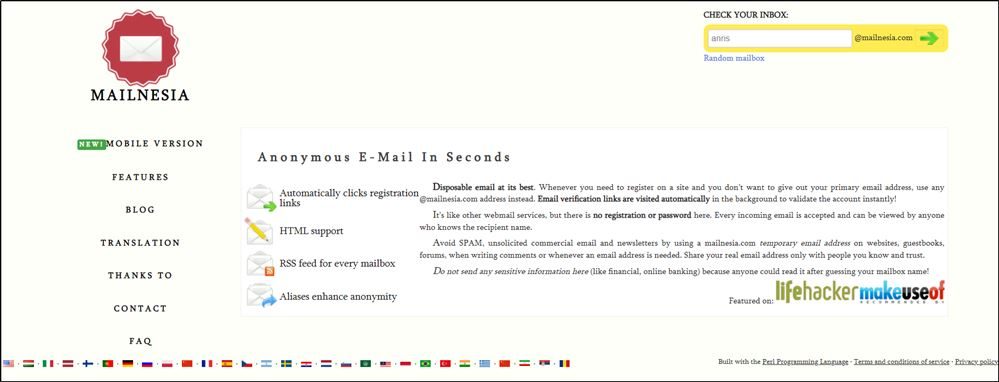
Mailnesia is another free email service that provides you with an anonymous email address within a few seconds.
It comes packed with tons of features, such as multiple text encodings, HTML support, different domain names, an RSS channel for every inbox, as well as the ability to assign different aliases to each inbox.
However, the catch is that you can only receive emails, but not send them. The service doesn’t require any registration, so you don’t need to enter your phone number.
What I Like
- Provides a disposable email address.
- No registration is required to use the service.
- Offer features such as HTML support, RSS channels for every inbox, alternative domains, etc.
What I Don’t Like
- All email addresses available are public.
- No ability to send emails.
Email Services That Don’t Require Phone Number Verification
Due to increased security requirements, finding an email service that doesn’t require a phone number for verification is a challenging task. However, thanks to this list of 10 email services, one can easily create an email account that offers security as well as privacy.
Also read: 5 Best apps similar to Snapchat for Android & iOS
We hope you can now find an email service that comes packed with features while protecting your privacy on the internet.
Umm, all those public emails are never worth the hassle and risk that comes with using them
I would rather just give Yahoo or Gmail a phone number to get the frick off and just play with a burner that way.
In 2024 Mail.com, GMX, Rambler, Yandex all require phone numbers. Temp emails are mostly useless for signing up to sites, they’re typically blacklisted. The number of email providers that don’t require phone numbers is dwindling, and of those, the number of email providers that don’t require another email account at signup is close to zero.
Thank You
GMX now requires phone number too. THIS ONLINE SNOOPING IS INTOLERABLE. Somebody make it stop!
Temp emails are being rejected by almost everyone when used for verification – do they have any other purpose?
Then I found with gmx and mail (the same company I suspect) that they DID want a phone number – they INSISTED on it. I was located in Hong Kong so I don’t know if that’s why.
Of all the email services I ever used, I found proton the best and then mailfence (if it is still allowed to set up without phone number).
I am trying Tutanota now but why would I subscribe, even at very low cost, when that shows my identity via the link to my card account???
Mailinator is and has always been a receive-only service. Although it is free to use to receive emails without revealing one’s primary email address, its main purpose is email and SMS workflow testing.
The email providers are all under cahoots, and this also applies to News forums.
They ban your MAC address, and suddenly, you cannot make a new email address.
It’s really childish and illegal.
Proton Mail doesn’t work with the default Mail app on iPhone. You’ll have to use their own app instead, which means you lose a bit of the usual iOS integration.
Everyone is being forced to be debt slaves to telecom companies and being exposed to harmful EMF radiation from cell phones and their towers
Haha, nice genuinely insane comment.
Now tell me about privacy and anything connected to the Internet next.
Yandex does not have an option for “I don’t have a phone number” perhaps it did in the past
Yandex now requires a phone. There’s no option to skip this