If you are on a limited budget and want to play some games, then building a gaming PC might be the best option for you.
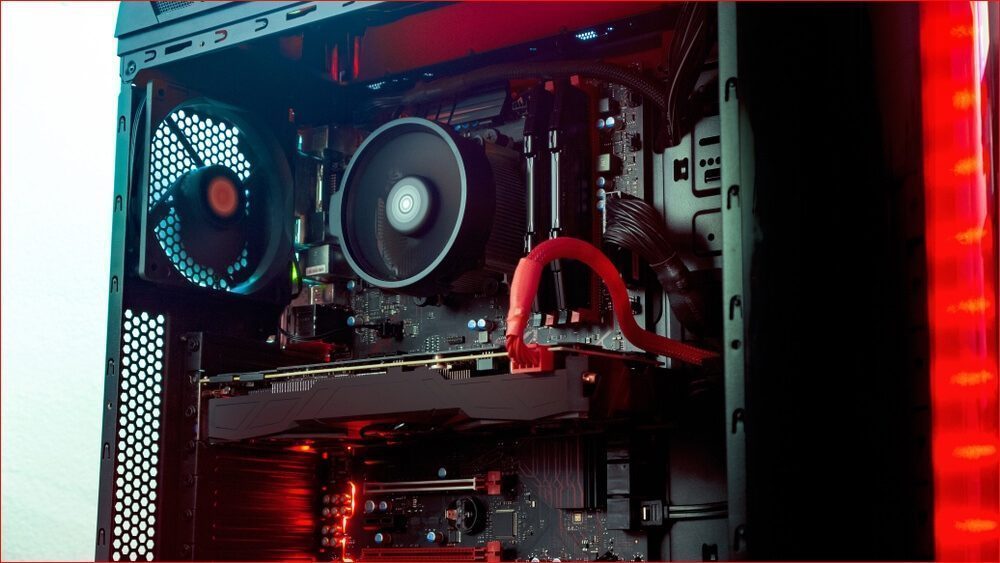
Most laptops and pre-built machines don’t offer the flexibility to choose your desired components, and they often come at a higher price point.
Additionally, pre-built systems are usually more challenging to upgrade compared to custom-built PCs. With a budget of Rs 50,000, you can get more value by assembling your own PC rather than purchasing a laptop or a pre-built machine.
If you’re looking for the best components for your build, this guide will help you make informed purchasing decisions.
Also read: Best Headphones Under Rs 2,000
These components will offer solid value for money, and you will be able to play most of the modern titles in medium to high settings.
So let’s check out the components for our best gaming PC build under Rs 50,000.
Table of Contents
Best Components for Gaming PC Build Under Rs 50,000
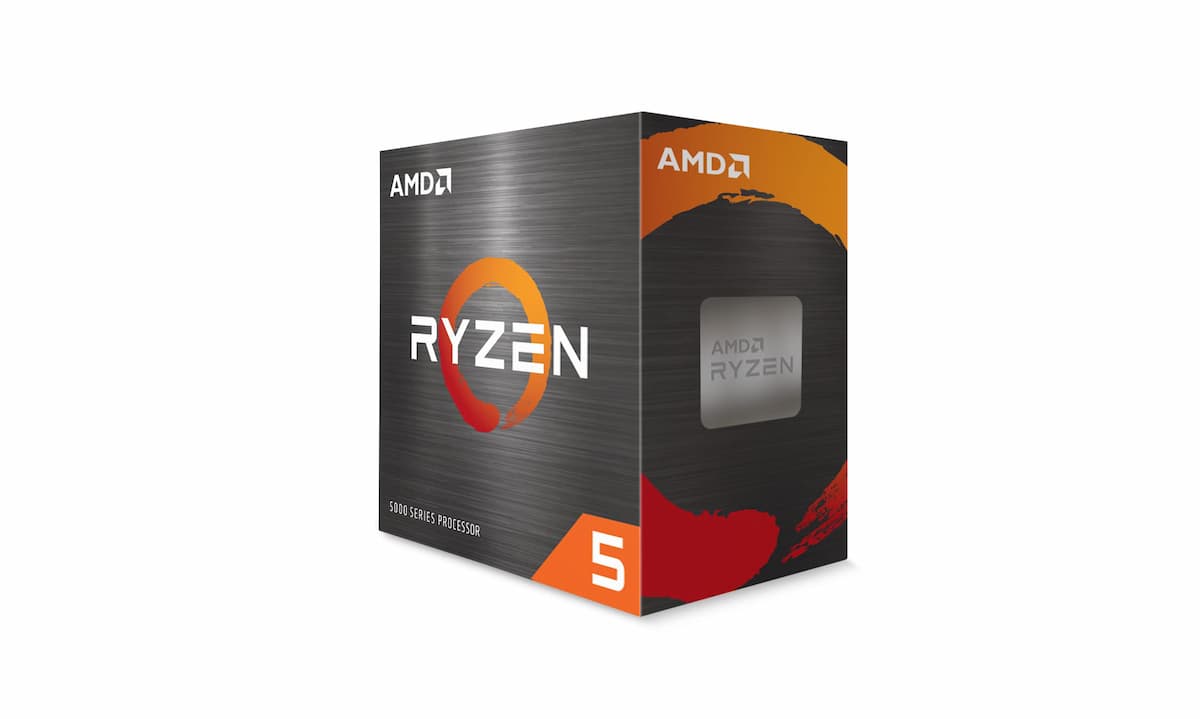
Processor: AMD Ryzen 5 5500
Price: ₹
The AMD Ryzen 5 5500 is a versatile 6-core, 12-thread processor, ideal for mid-range gaming and productivity builds. It features a base clock speed of 3.6 GHz and can boost up to 4.2 GHz, making it well-suited for handling both single-threaded tasks and multitasking workloads with ease.
Built on the 7nm Zen 3 architecture, this processor offers improved power efficiency and performance compared to its predecessors. With a 19MB cache (L2 + L3) and a TDP of 65W, the Ryzen 5 5500 strikes a good balance between speed and power consumption. Its AM4 socket ensures compatibility with a wide range of motherboards, especially those using the 500 series chipset, providing flexibility for various builds.
Whether you’re gaming, streaming, or running demanding applications, the Ryzen 5 5500 delivers smooth performance without breaking the budget. It’s a great choice for anyone looking to build a powerful yet affordable gaming PC or a workstation.
Also read: Best Gaming Mouse Under 1000 in India
Overall this is one of the best processors to buy for building a PC under Rs 50,000.
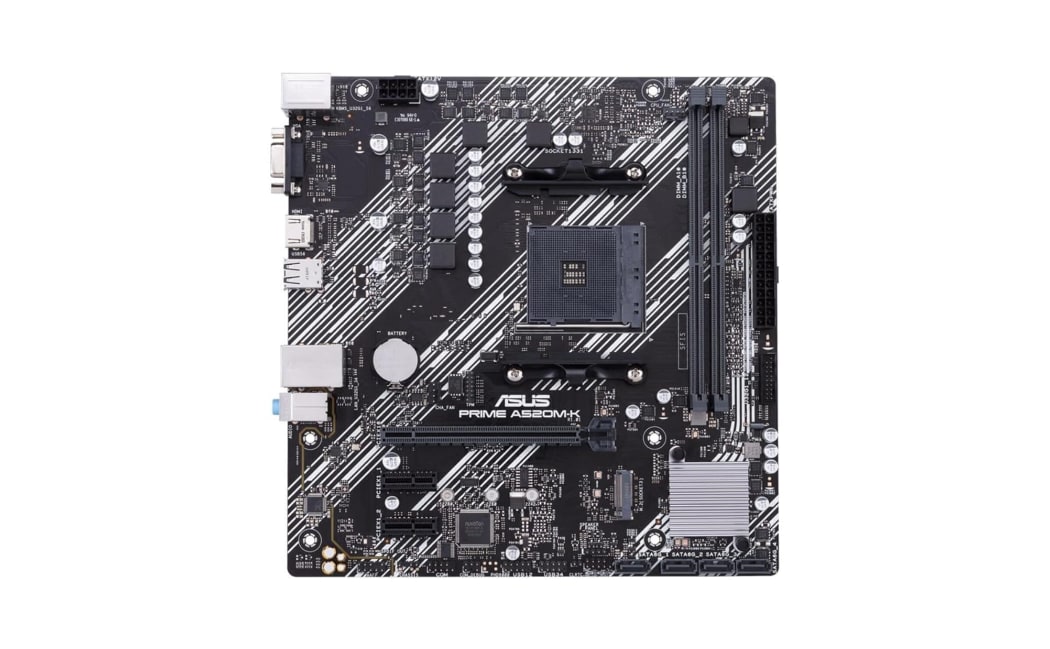
Motherboard: ASUS Prime A520M-K Micro ATX Motherboard
Price: ₹
The ASUS Prime A520M-K is a reliable and versatile motherboard designed to support a wide range of AMD Ryzen processors, including the Ryzen 5000/5000 G, 4000 G, and 3000 series. With an AM4 socket and DDR4 memory support up to 2133 MHz, it’s well-suited for both casual and budget-conscious builders.
This motherboard includes M.2 support for fast storage solutions and 1 GB Ethernet for stable wired network connections. It features HDMI and D-Sub outputs, offering flexibility for display options, and making it suitable for both work and entertainment setups.
For easy troubleshooting, the board comes equipped with EZ Debug LED, a handy feature that quickly identifies any potential issues. In terms of audio, the Audio Boost feature ensures high-quality sound, delivering studio-grade performance for immersive experiences.
While it lacks USB Type-C connectivity, the four USB 3.2 Gen 1 Type-A ports and SATA 6Gbps provide plenty of fast data transfer options. Additionally, X-Boost software automatically detects and optimizes the performance of your storage and USB devices.
Whether you’re building a budget-friendly gaming rig or a versatile home PC, the ASUS Prime A520M-K is a great choice for reliable performance at an affordable price.
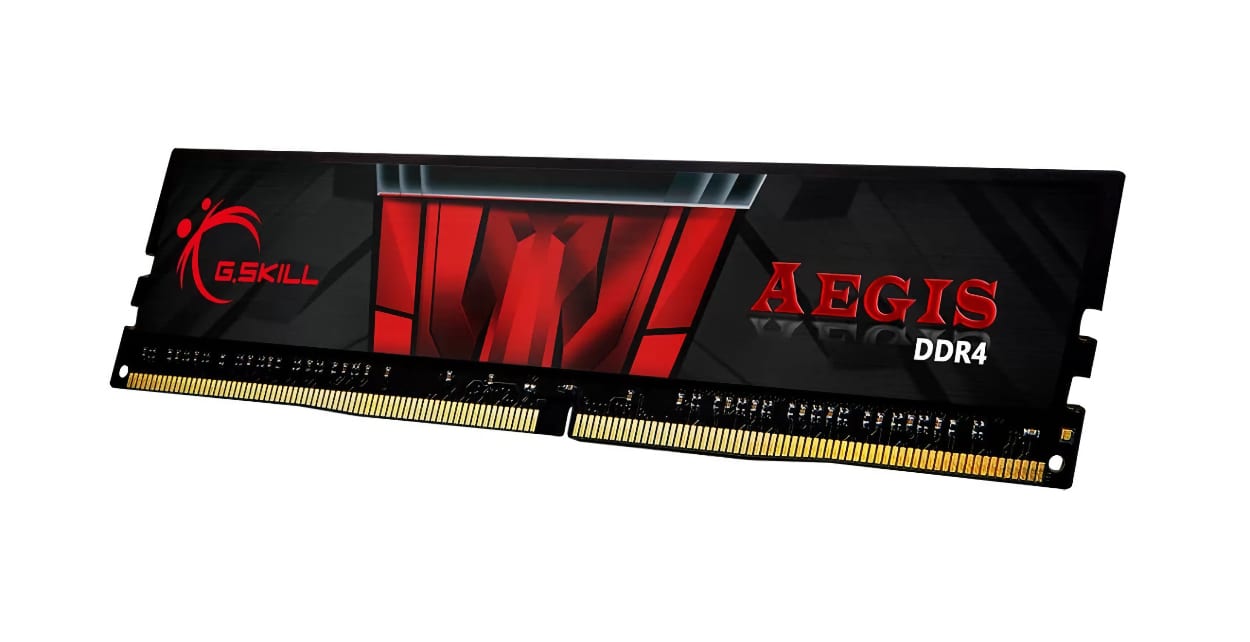
RAM: G.Skill AEGIS 16 GB (1 * 16GB) DDR4 3200 MHz RAM
Price: ₹
The G.Skill AEGIS 16 GB RAM is a solid choice for gamers and PC enthusiasts looking for reliable performance and stability. With a 3200 MHz speed and CL16-18-18-38 timings, it offers a good balance of speed and latency, making it ideal for demanding tasks like gaming, video editing, and multitasking.
This RAM stick runs at 1.35V, ensuring power efficiency while keeping your system cool.
It’s compatible with the latest Intel and AMD (our use case) processors and supports a wide range of motherboards.
Whether you’re building a gaming rig or upgrading an existing system, this single 16 GB module provides an easy upgrade path for higher memory capacity.
With room for future expansion, this RAM allows you to add a second stick for a dual-channel configuration, boosting overall system performance without hassle.
Storage: Crucial BX500 500GB SATA SSD

Price: ₹
We are going to use a 500GB SATA internal SSD for this gaming PC build.
A Solid State Drive is highly recommended because it’s faster than any HDD in terms of speed and responsiveness. It will make your PC faster and reduce app loading times.
Nowadays, most games, single-player or multiplayer, can easily occupy over 100 GB of storage with all those DLCs and updates. So we are going with a 500GB storage option. It can easily accommodate 2-3 games with room to spare for other files.
You can also use an SSD + HDD pair for more flexibility.
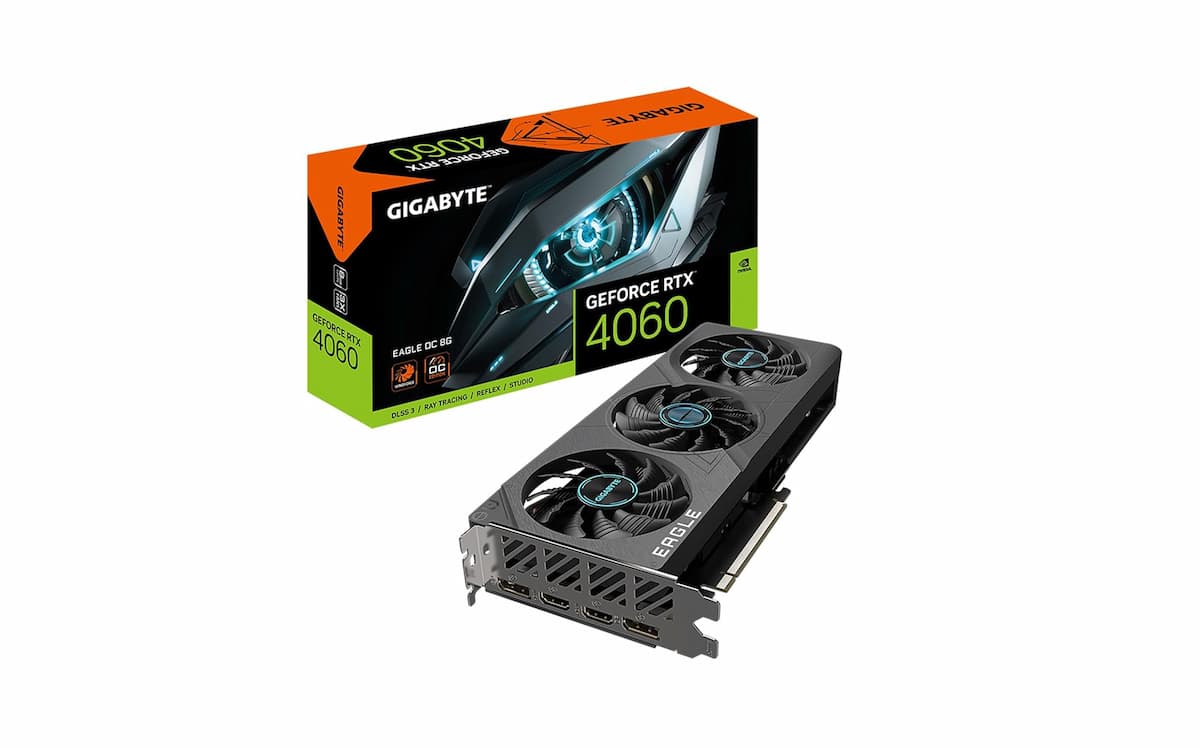
Graphics Card: GIGABYTE Geforce RTX 4060
Price: ₹
Choosing the right graphics card is crucial for any gaming or high-performance PC build. The GIGABYTE GeForce RTX 4060 Eagle OC 8G is a solid option, powered by NVIDIA DLSS 3 and the Ada Lovelace architecture, delivering up to 4x performance with 4th Gen Tensor Cores and 2x ray tracing performance with 3rd Gen RT Cores.
With 8GB of GDDR6 memory on a 128-bit interface, it ensures smooth 1080p gaming, 4K video editing, and more. The WINDFORCE cooling system with triple fans keeps it cool under heavy loads, while the Dual BIOS offers better stability and flexibility for different performance modes. The card also includes a protective metal backplate, which enhances its durability.
Overall, RTX 4060 offers strong performance, which is ideal for gamers and creators looking for a reliable and efficient graphics card.
Also read: Best Gaming Keyboards Under 2000 in India
For those who are looking to play and record games simultaneously, this is the perfect graphics card to use in your budget gaming PC build.
Power Supply: Ant Esports VS500L

Price: ₹
For our PC build, we’ve chosen the Ant Esports VS500L, a 500W power supply that offers a good balance between affordability and reliability for budget gaming setups. With 80 Plus Standard efficiency, it provides consistent power while helping to keep energy costs down.
The 500W output is more than enough for most entry- to mid-level gaming systems, ensuring stable power delivery to all components, including the CPU and GPU. This PSU also features essential protection mechanisms such as over-voltage, under-voltage, and short-circuit protection, which help safeguard your components from damage.
While cheaper alternatives exist, we don’t recommend them, as they may lack proper protection and can pose a risk to your PC’s longevity. The Ant Esports VS500L is a dependable choice that ensures your system runs safely and efficiently.
Cabinet: ZEBRONICS ZIUM Mid-Tower Gaming Cabinet

Price: ₹
Now that we’ve selected all our components, it’s time to install them in the ZEBRONICS ZIUM Mid-Tower Gaming Cabinet, an excellent choice for budget gaming builds. This cabinet offers a solid blend of style and functionality, providing enough room for most standard gaming setups.
It features a transparent acrylic side panel, allowing you to showcase your components, and comes equipped with an RGB front strip for a sleek look. The RGB lighting offers multiple modes to customize the aesthetics to your liking. The case also includes a pre-installed 120mm rear fan, ensuring adequate airflow right out of the box.
Also read: How to Install Windows 11 on VirtualBox
The ZEBRONICS ZIUM is spacious enough to accommodate a range of components, including full-sized GPUs, and offers decent cable management options. It’s a great-looking case for a budget-friendly gaming PC that doesn’t compromise on essential features.
Also read: How to Install Windows 11 on VirtualBox
Final Thoughts
| Component | Model | Price |
|---|---|---|
| Processor | AMD Ryzen 5 5500 | ₹ |
| Motherboard | ASUS Prime A520M-K Micro ATX | ₹ |
| RAM | G.Skill AEGIS 16 GB DDR4 3200 MHz | ₹ |
| Storage | Crucial BX500 500GB SATA SSD | ₹ |
| Graphics Card | GIGABYTE Geforce RTX 4060 | ₹ |
| Power Supply | Ant Esports VS500L | ₹ |
| Cabinet | ZEBRONICS ZIUM Gaming Cabinet | ₹ |
| Total | ₹48,925 |
So, these were the best components to choose from while building your gaming PC on a budget of Rs 50,000.
We try our best to update the prices regularly, but they may vary sometimes.
What are your thoughts on this gaming PC build under Rs 50,000? Is this your first time building a PC, or do you already have some experience? We’d love to hear your thoughts – feel free to share your comments below!
Amazing article, thanks!
Bro, for editing, which one should I buy: Ryzen 5 3500 or Ryzen 5 2600?
Ryzen 5 3500 would be a better option.
Please help me to buy the best PC under 50k.
please tell about full setup including monitor and other acessiries
Please suggest me a good graphic card . This one is not available in Amazon
Now Ryzen 5 3500 price is 18000?
Hey, could someone also suggest a good budget monitor for this setup? It would help a lot.
Acer 75 Hz gaming monitor
It is good, but you can do one more thing: instead of a 1 TB SSD, go with a 240 GB M.2 and later add a 1 TB HDD. Go with a Ryzen 5 3600 and a good 80+ Bronze-certified PSU.
Yes, that would also be a good option but you will be paying 5k more because Ryzen 5 3600 costs ~Rs 18k. I think you should opt for a better graphics card if you can save some money on other parts.